The best laptop for law students in Kenya should make long reading sessions, research and writing easier. Prioritise a readable screen, a comfortable keyboard, an SSD and enough memory for your normal research tabs. You usually gain more from those basics than from a vague graphics upgrade. Before buying, also check your university’s assessment software and any required operating system. A low purchase price is not useful if the laptop cannot run an essential exam tool.
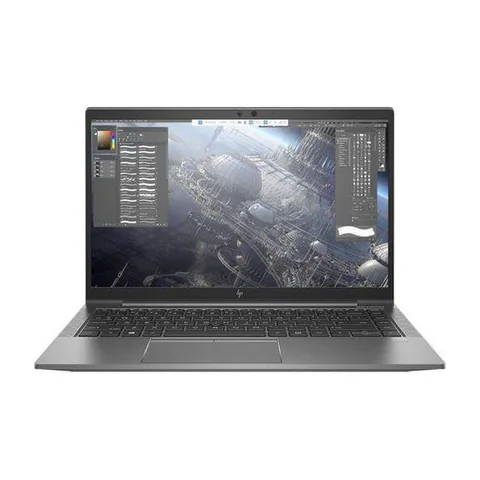
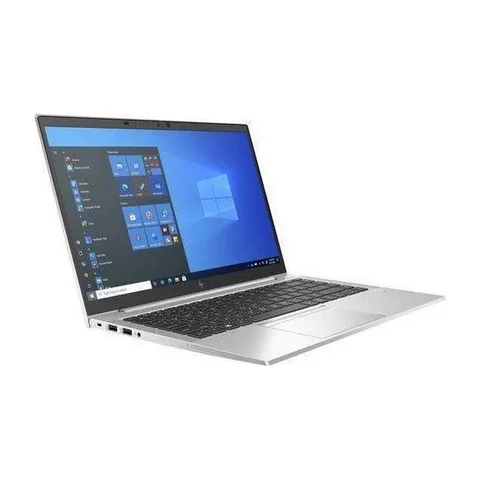
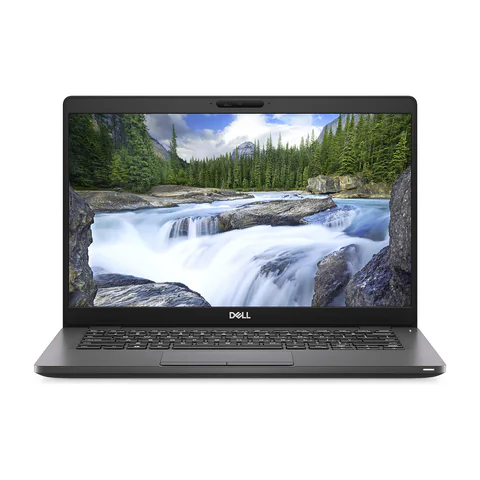
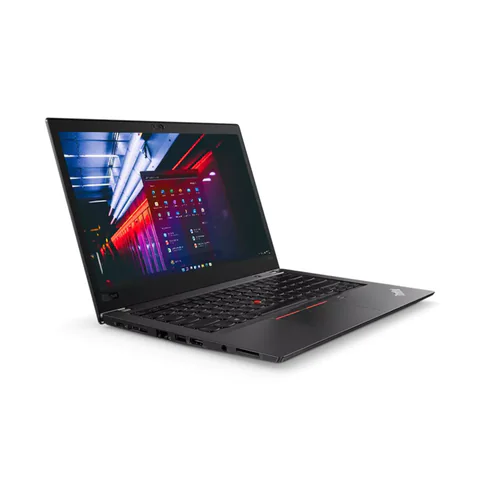
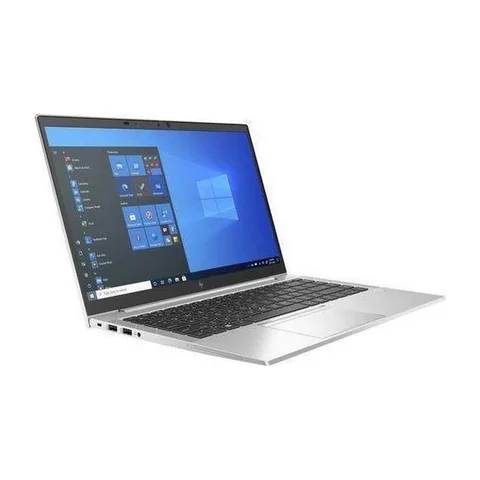
The Dell Latitude 5300 is the lower-priced, smaller-screen option in this comparison. The ThinkPad T480s offers more advertised RAM and SSD space. The EliteBook 840 G8 provides a newer listed CPU generation with 16GB RAM, although its SSD is smaller than the ThinkPad option.
Quick comparison: listed configurations and prices
| Model | Advertised configuration | Listed price | Listing shop |
|---|---|---|---|
| Dell Latitude 5300from KSh 19,980 | Intel Core i5 (8th generation); 8GB RAM; 256GB SSD | KSh 19,980 | Onit Computers Nairobi |
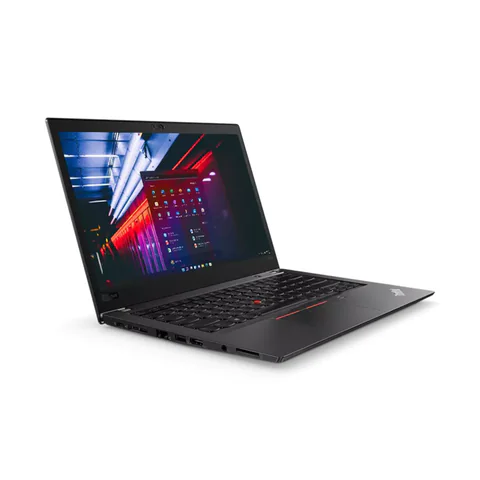
| Lenovo ThinkPad T480sfrom KSh 22,140 | Intel Core i7 (8th generation); 16GB RAM; 512GB SSD | KSh 29,700 | Onit Computers Nairobi |
| HP EliteBook 840 G8from KSh 35,100 | Intel Core i5 (11th generation); 16GB RAM; 256GB SSD | KSh 37,800 | Onit Computers Nairobi |
Prices checked on Laptop Prices Kenya on 20 November 2026. These are advertised configurations, all listed as Ex-UK refurbished. They are not checkout confirmations or a survey of every Kenyan seller. Confirm the exact unit, current total, battery condition and written terms with the named shop.
Choose for reading and writing, not just the specification sheet
Law coursework can involve long judgments, scanned readings, lecture notes and several sources open at once. The most useful laptop is one that lets you move between those materials comfortably. Try your real reading and writing arrangement before deciding that one screen size is enough.
Open a sample PDF beside a document. Increase the text to the size you normally read and check how often you need to scroll or switch windows. A screen’s diagonal measurement does not establish its resolution, brightness or viewing quality. Ask for those details and inspect the actual panel.
| Study task | Practical priority | Shop test |
|---|---|---|
| Reading cases and lecture notes | Readable panel and comfortable scaling | Read a long sample PDF in your usual view |
| Writing essays with several sources | Keyboard comfort and enough memory | Type while switching among documents and tabs |
| Online classes and assessments | Platform compatibility, camera and audio | Check the university’s actual requirements |
Three listed options and the trade-offs
The Latitude 5300 offer advertises an 8th-generation Core i5, 8GB RAM, a 256GB SSD and a 13.3-inch screen. It may suit a buyer who wants a lower device budget and a smaller format. However, confirm that the screen remains comfortable for your reading. Its memory and storage capacity also leave less headroom than the larger configurations here.
The ThinkPad T480s option lists 16GB RAM and a 512GB SSD, with an 8th-generation Core i7. It is worth investigating for students who keep many materials and apps open. The storage advantage is clear on the listing, but we have not tested the keyboard or battery on the actual unit. Inspect both before treating it as the better study machine.
The EliteBook 840 G8 listing combines an 11th-generation Core i5, 16GB RAM and a 256GB SSD. It gives you another 14-inch option with a newer advertised CPU generation. Its smaller SSD is the main configuration compromise against the ThinkPad. Obtain an upgrade quote if your local reading library needs more space.
Test document handling with realistic materials
Prepare a small sample folder before visiting a shop. Include a text-based PDF, a scanned reading, a document and a presentation. Use public or non-sensitive material. Open the files in the applications you expect to use and try searching, annotating and switching between them.
A scanned document may need optical character recognition before its text becomes searchable. That is a software and document-preparation question as well as a hardware question. Do not assume that buying a higher-tier CPU will make every downloaded PDF searchable.
Next, type for several minutes. Test punctuation, modifier keys, the trackpad and keyboard shortcuts. A working keyboard is not automatically a comfortable keyboard for long writing sessions. If you intend to use an external screen at home, confirm the connection and add the cable or adapter to your budget.
Check assessment compatibility before payment
Ask your department or examination office for its current device requirements. Confirm the operating system, browser and any assessment application. Requirements can vary between courses and institutions, so a seller’s general assurance is not enough.
If Windows 11 is required, check Microsoft’s compatibility guidance for the actual hardware. An installed operating system does not by itself establish support. Ask the shop to demonstrate the configuration and record the full processor number.
For online teaching or interviews, test the camera, microphone and headset. A successful login is only the beginning; make a short call and check that the other person can hear you clearly.
Build an offline and backup routine
Download essential readings before leaving a dependable connection. Open them once to confirm they are available locally. Keep folder names consistent so you can find materials by course and topic without relying on a long list of browser tabs.
Save another copy of important notes and drafts in a separate location. Try restoring a sample document before you need to recover a real assignment. If you work with placement or clinic records, follow the institution’s rules for handling those files.
For mobility, request battery evidence. Microsoft documents the Windows battery-report command, which can help reveal current capacity. However, capacity does not prove a full day of lectures. Test realistic use and ask what the seller covers if a battery problem appears.
A student spending order
- Confirm essential assessment and course compatibility.
- Choose a screen and keyboard that suit prolonged study.
- Check sufficient RAM and SSD space for the actual workflow.
- Inspect battery condition, charger and physical wear.
- Add backup storage or essential accessories before optional features.
The used-laptop checklist covers the physical inspection. Use the student laptop hub to compare other configurations if these examples do not fit your budget.
Common questions
Does a law student need a dedicated graphics card?
Do not pay for one without an application that requires it. Put the normal reading, writing and assessment workflow first.
Is a 13.3-inch screen too small?
That depends on your eyesight, preferred scaling and working arrangement. Test a PDF beside your writing document rather than deciding from screen size alone.
Should I choose 8GB or 16GB RAM?
8GB can suit a modest setup. Consider 16GB if you keep many sources, documents and other apps open together. Compare the complete price and condition, too.
Choose the best laptop for law students in Kenya
Let the reading test and university requirements narrow your shortlist. Compare the actual configurations, then confirm the exact unit, included charger and written terms with the selling shop.
Research method and sources
This AI-assisted guide compares published specifications and advertised marketplace offers checked on 20 November 2026. It is not a hands-on review. Individual battery life, exact CPU part numbers and any omitted graphics details remain unverified. Laptop Prices Kenya helps buyers compare independent shops; the selling shop handles the sale and its own warranty terms.

Laptop Prices Kenya compares new, ex-UK and refurbished laptops from shops across Kenya and checks prices against live listings before publishing.
Prices in this article come from live shop listings and change often. Check the shop, the exact unit, its battery and the written warranty before you pay.
Get the right laptop for your budget
Answer two questions and see matching laptops from Kenyan shops, or post one request and let shops send you offers.