The best laptop for data science students in Kenya depends on whether your course focuses on spreadsheets, Python notebooks and tabular data, or expects demanding local GPU work. For many introductory workflows, compare 16GB RAM and an SSD before paying for a dedicated graphics card. Use your course requirements to decide when more memory or local acceleration becomes necessary. A laptop for cloud notebooks is a different purchase from a machine intended to train large models locally.
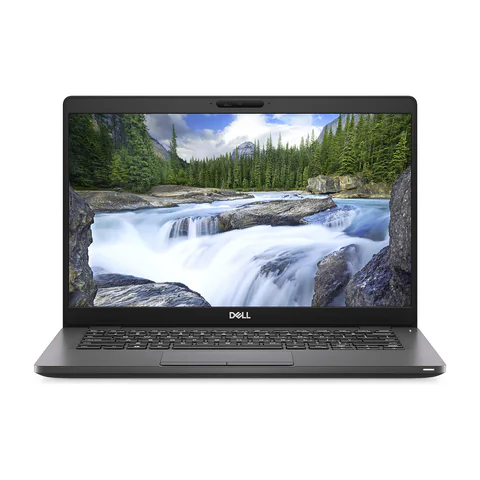
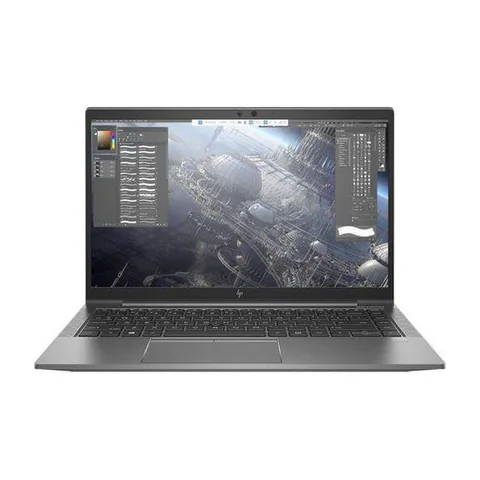
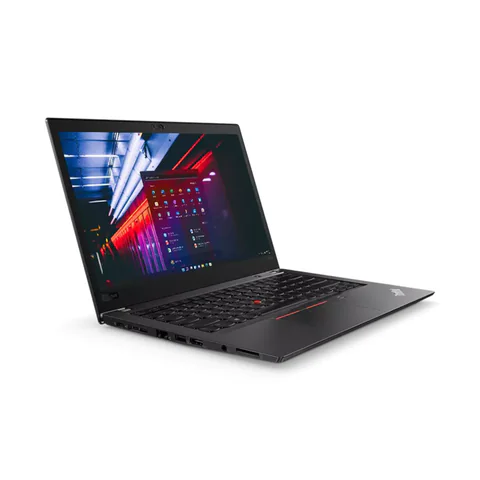
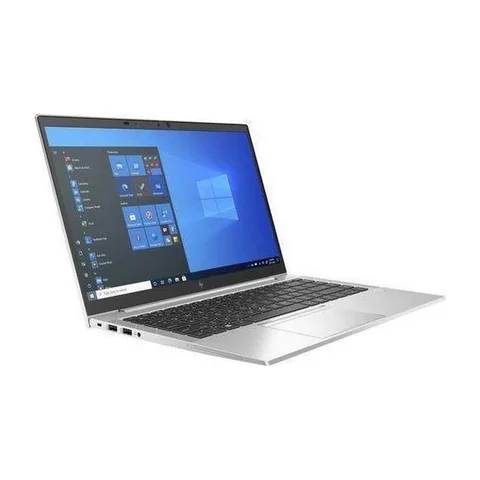
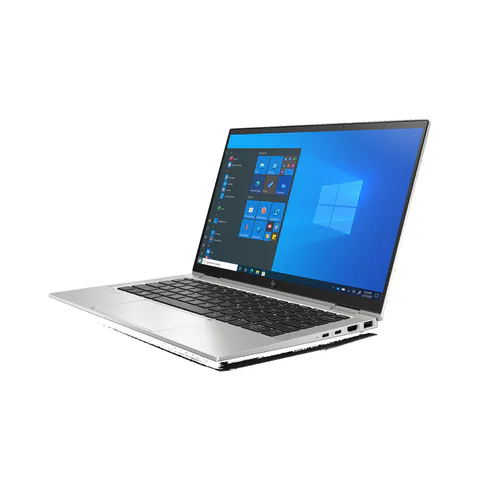
The ThinkPad T480s and EliteBook 840 G8 offer two listed 16GB configurations to investigate. A 32GB EliteBook x360 1030 G8 provides a higher-memory comparison, although its convertible design may add features you do not need. None of these offers establishes a verified local GPU-training configuration.
Quick comparison: listed configurations and prices
| Model | Advertised configuration | Listed price | Listing shop |
|---|---|---|---|
| Lenovo ThinkPad T480sfrom KSh 22,140 | Intel Core i7 (8th generation); 16GB RAM; 512GB SSD | KSh 29,700 | Onit Computers Nairobi |
| HP EliteBook 840 G8from KSh 35,100 | Intel Core i5 (11th generation); 16GB RAM; 256GB SSD | KSh 37,800 | Onit Computers Nairobi |
| HP EliteBook x360 1030 G8from KSh 59,400 | Intel Core i7 (11th generation); 32GB RAM; 512GB SSD | KSh 61,560 | Onit Computers Nairobi |
Prices checked on Laptop Prices Kenya on 20 November 2026. These are advertised configurations, all listed as Ex-UK refurbished. They are not checkout confirmations or a survey of every Kenyan seller. Confirm the exact unit, current total, battery condition and written terms with the named shop.
Define the data science work before buying
Ask your department which tools and assignments appear in the first year. Python, R, spreadsheets, databases and statistics notebooks do not all place the same demands on a laptop. Also ask whether the course provides lab machines or cloud resources for heavier work.
Separate three activities: editing code, processing data and training models. A responsive coding environment does not prove that a laptop can process every dataset. Equally, learning about machine learning does not automatically mean your first laptop needs an expensive dedicated GPU.
| Study activity | Primary hardware question | Buying action |
|---|---|---|
| Small notebooks, SQL and coursework | Can the normal toolset run together comfortably? | Compare 16GB/SSD configurations and test a sample project |
| Larger local datasets | How much memory does the working process consume? | Measure the sample; assess 32GB or an alternative workflow |
| Local GPU training or inference | Does the exact GPU and software stack support the workload? | Obtain GPU, VRAM and compatibility evidence before buying |
Why a dataset can need more memory than its file size
A saved file and its working representation are different things. Loading data, creating intermediate results and keeping several notebooks open can require more memory than the original download suggests. Therefore, do not select RAM solely by the size of a CSV file.
Run a representative notebook on an available computer and observe memory use. Include the browser and other tools you normally keep open. Use the result as a practical guide, while allowing for larger assignments later. These shortlist recommendations are buying starting points rather than universal requirements.
If you need more capacity, compare both the purchase price and confirmed upgrade options. Some thin laptops have memory that cannot be expanded. Ask the seller for the exact configuration and consult the manufacturer’s documentation before counting on a future upgrade.
Compare the listed study configurations
The ThinkPad T480s offer includes 16GB RAM and a 512GB SSD at a lower advertised price. That gives it useful storage headroom for local environments and coursework. Its older CPU generation is the main specification compromise. We have not timed notebooks or measured battery life on the actual unit.
The EliteBook 840 G8 listing offers an 11th-generation Core i5, 16GB RAM and a 256GB SSD. It is worth investigating if you prefer that newer listed CPU generation. However, account for the space occupied by development tools, datasets and updates. Ask for a storage upgrade quote if your course materials will not fit comfortably.
The 32GB EliteBook x360 1030 G8 is relevant when measured workloads justify more memory. It also lists a 512GB SSD and an 11th-generation Core i7. Its higher price and convertible format need a clear reason. Extra RAM does not establish dedicated graphics support or guarantee that a particular model-training task will run.
Local CPU work, cloud notebooks and GPU work
PyTorch’s installation guidance offers different compute-platform choices, including CPU configurations. CUDA support depends on compatible NVIDIA hardware and software. Confirm the course’s intended environment before buying a laptop around one framework.
For cloud notebooks, your laptop mainly provides the interface and local supporting tools. However, you still need a dependable connection and a way to work when the service is unavailable. Google’s Colab FAQ explains that resources and usage limits can vary. Do not build an essential deadline around guaranteed access to a free GPU.
If your assignments require local GPU work, obtain the exact graphics chip and dedicated video memory. VRAM is the memory available to the GPU; it is separate from system RAM. A vague advertisement saying only “4GB graphics” cannot establish framework compatibility or suitability for a particular model.
A student budget should include the working environment
Compare the laptop price with the cost of required upgrades, backup storage and any paid course tools. If you expect to use cloud compute, include a realistic allowance for it and connectivity. Keep these as separate budget lines rather than assuming they will always be free.
For example, a lower-priced laptop with enough RAM may make sense if your department supplies heavier compute. A more expensive GPU machine may be justified if the course explicitly requires offline local work. The right answer comes from the curriculum and evidence, not from the broad label “data science”.
Browse the AI laptop finder for the wider local-versus-cloud distinction. The memory and storage guide explains the basic hardware terms.
What to test before paying
- Confirm the full CPU name, installed memory and SSD capacity.
- Check support for the course’s operating system and required software.
- Run a non-sensitive sample notebook and observe memory use.
- Test the keyboard, screen, Wi-Fi and battery away from the charger.
- Obtain written details for any claimed GPU or planned upgrade.
Common questions
Do I need 32GB RAM from the first semester?
Only the course and a representative workload can establish that need. Compare 32GB when measured memory use or known assignments justify it, rather than treating it as mandatory for every student.
Can I learn machine learning without a dedicated GPU?
Some introductory work can use a CPU or cloud environment. Confirm what your assignments require and check the framework’s current installation options.
Is a workstation label enough for local AI?
No. Check the exact GPU, its memory, software support and the intended model workload. A product-family label cannot replace those details.
Choose the best laptop for data science students in Kenya
Match the configuration to the course, test a sample and reserve GPU spending for a verified need. Ask shops for a configuration-specific quote, stating the RAM, storage and any exact GPU requirement. Use the comparison tool once you have suitable options.
If the course uses Jupyter Notebook, Kaggle or Google Colab, specify where the code must run and test the required workflow. Keep any cloud-access assumptions separate from the laptop hardware brief, and confirm the permitted data and offline arrangements.
Research method and sources
This AI-assisted guide compares published specifications and advertised marketplace offers checked on 20 November 2026. It is not a hands-on review. Individual battery life, exact CPU part numbers and any omitted graphics details remain unverified. Laptop Prices Kenya helps buyers compare independent shops; the selling shop handles the sale and its own warranty terms.

Laptop Prices Kenya compares new, ex-UK and refurbished laptops from shops across Kenya and checks prices against live listings before publishing.
Prices in this article come from live shop listings and change often. Check the shop, the exact unit, its battery and the written warranty before you pay.
Get the right laptop for your budget
Answer two questions and see matching laptops from Kenyan shops, or post one request and let shops send you offers.