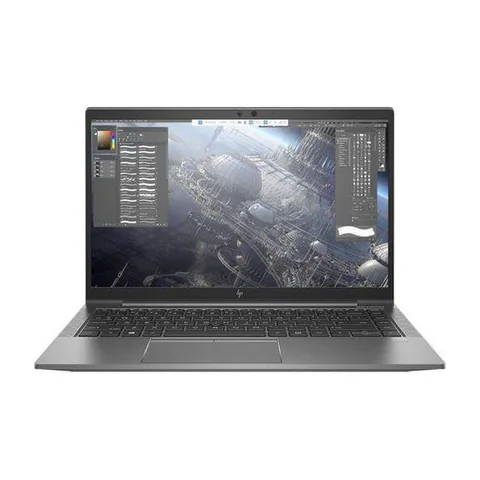
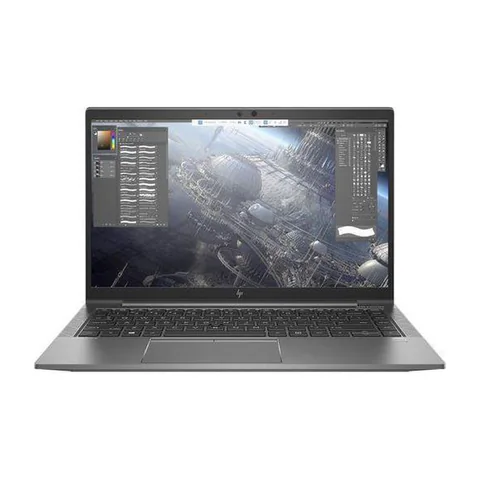
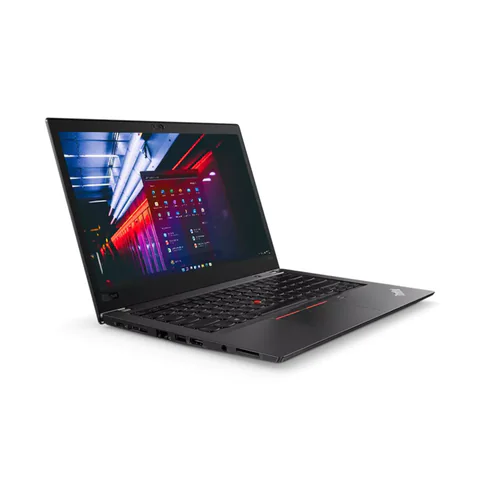
The best laptop for Excel and accounting in Kenya depends on the files and business applications you actually use. A small cashbook needs less hardware than large workbooks with several imports, formulas and add-ins. For regular multitasking, compare 16GB RAM configurations with an SSD, then test a representative workbook. Avoid choosing on the Core i5 or Core i7 label alone. This guide uses listed Kenyan shop offers and a practical file test to help narrow the decision.
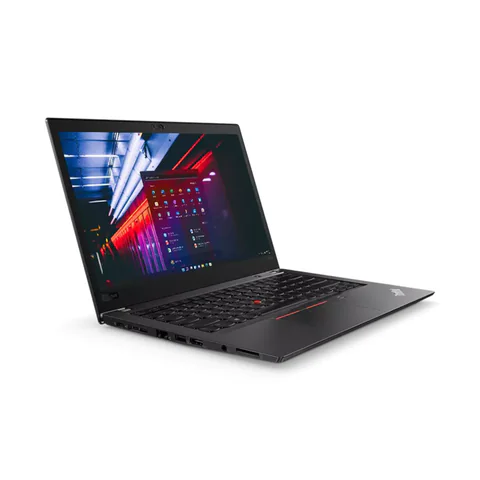
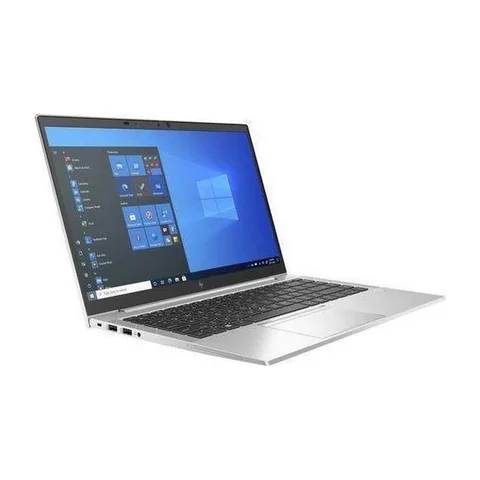
Investigate the HP EliteBook 850 G8 if a larger screen is useful at your desk. Compare the 840 G8 if you prefer a 14-inch format. The ThinkPad T480s offers a listed 512GB SSD at a lower price, with an older processor generation to consider.
Quick comparison: listed configurations and prices
| Model | Advertised configuration | Listed price | Listing shop |
|---|---|---|---|
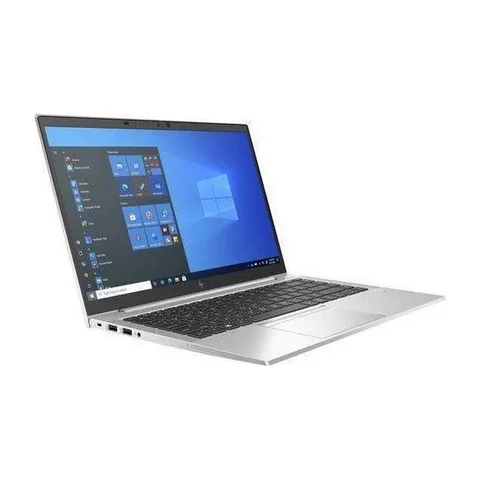
| HP EliteBook 850 G8from KSh 35,640 | Intel Core i5 (11th generation); 16GB RAM; 256GB SSD | KSh 37,800 | Onit Computers Nairobi |
| HP EliteBook 840 G8from KSh 35,100 | Intel Core i5 (11th generation); 16GB RAM; 256GB SSD | KSh 37,800 | Onit Computers Nairobi |
| Lenovo ThinkPad T480sfrom KSh 22,140 | Intel Core i7 (8th generation); 16GB RAM; 512GB SSD | KSh 29,700 | Onit Computers Nairobi |
Prices checked on Laptop Prices Kenya on 20 November 2026. These are advertised configurations, all listed as Ex-UK refurbished. They are not checkout confirmations or a survey of every Kenyan seller. Confirm the exact unit, current total, battery condition and written terms with the named shop.
Start with the workbook, not the processor badge
Describe your normal files before shopping. Note their size, the number of sheets, external connections and any macros or add-ins. Also list the apps that stay open beside Excel. A laptop does not work on the spreadsheet alone when a browser, email and a call are competing for resources.
File size is only a rough clue. Two workbooks of similar size can behave differently because their formulas and data models differ. Therefore, use a sanitised copy of a real task for testing. Remove customer names, account details and other confidential records before sharing the file with a shop.
| Workload | Practical buying priority | Important compatibility check |
|---|---|---|
| Small cashbooks and invoices | SSD, readable screen and comfortable keyboard | Required accounting app and printer |
| Several workbooks with browser tools | 16GB RAM as a starting target | Add-ins, file links and Office edition |
| Large data models and repeated imports | Measure memory use; assess whether more RAM is needed | 64-bit suitability and legacy components |
Why memory and Office edition both matter
RAM holds the information your active applications use. More RAM can help when the workload needs it, but it cannot correct every slow formula or broken connection. Microsoft’s Excel specifications and limits describe how memory affects large workbooks and data models.
Check Office bitness separately from Windows bitness. Some older add-ins or integrations require a particular edition. Microsoft provides guidance on 32-bit versus 64-bit Office. Confirm the requirements of the accounting supplier before changing an established setup.
Similarly, do not assume that every accounting package supports every operating system. Ask the vendor about the exact version you use, its database component, peripheral drivers and migration procedure. This is especially relevant when moving from an old office computer to a different platform.
Compare the exact listed configurations
The EliteBook 850 G8 listing advertises an 11th-generation Core i5, 16GB RAM and a 256GB SSD. Its listed 15.6-inch screen makes it a candidate for desk-based spreadsheet work. However, confirm resolution and keyboard layout on the unit. We have not independently checked its number pad or tested a workbook on it.
The EliteBook 840 G8 offer has the same advertised CPU generation and memory capacity, with a smaller listed screen. That makes it worth comparing if you move between work locations. Its 256GB SSD could be enough for some users, but account for application files, local backups and business documents before deciding.
The ThinkPad T480s option lists an 8th-generation Core i7, 16GB RAM and a 512GB SSD. It offers more storage at a lower advertised price in this shortlist. However, the processor generation and refurbished battery condition need attention. A newer model name alone is not a benchmark, so let the file test settle close choices.
A repeatable spreadsheet test for the shop
- Prepare a non-sensitive workbook that reflects your real work.
- Record the Excel version and confirm that required add-ins are present.
- Open the workbook and your usual supporting applications.
- Recalculate formulas, refresh the intended data connections and apply common filters.
- Save a copy and reopen it to check that the workflow still works.
- Repeat under the same power setting on each candidate.
Record what you observe without turning the exercise into a precise benchmark. Network-connected data can change the timing. Antivirus activity, background updates and power settings can also affect results. If a test fails, investigate the cause rather than immediately blaming the processor.
For a business-critical system, request help from your software supplier. They may know compatibility issues that a general laptop seller will not. A successful spreadsheet demonstration does not prove that every part of your accounting setup will migrate smoothly.
Check the screen, keyboard and backup plan
A readable display matters when you work with rows of numbers. Open a sheet at your preferred scaling and compare two documents side by side. If you plan to use an external monitor, confirm the actual display connection and necessary adapter.
For frequent number entry, try the keyboard layout rather than guessing from a product photograph. An external number pad may be an option, but include its price and connection requirements in the budget. The RAM and storage guide can help with the remaining configuration choices.
Finally, separate working files from backups. Keeping the only backup on the same SSD does not protect against losing the laptop. Test your restore process with a sample file before relying on it for business records.
Common questions
Is 16GB RAM enough for all Excel work?
No single capacity suits every workbook. It is a practical starting point for the workloads described here. Large models may need more, while simple sheets may need less. Measure a representative task.
Will a dedicated graphics card make accounting faster?
Do not buy one as a general cure for slow accounting software. Check which part of the workflow is slow and what the software vendor recommends before spending.
Should I pick the larger screen?
Choose it if it improves your daily reading and number entry. If you usually work on an external monitor, portability and connection support may matter more.
Choose the best laptop for Excel and accounting in Kenya
Compare real configurations, confirm software compatibility and run a non-sensitive file test. Compare the shortlisted laptops, then ask the seller to demonstrate the exact unit. Explore the business laptop hub if you need more options.
Research method and sources
This AI-assisted guide compares published specifications and advertised marketplace offers checked on 20 November 2026. It is not a hands-on review. Individual battery life, exact CPU part numbers and any omitted graphics details remain unverified. Laptop Prices Kenya helps buyers compare independent shops; the selling shop handles the sale and its own warranty terms.

Laptop Prices Kenya compares new, ex-UK and refurbished laptops from shops across Kenya and checks prices against live listings before publishing.
Prices in this article come from live shop listings and change often. Check the shop, the exact unit, its battery and the written warranty before you pay.
Get the right laptop for your budget
Answer two questions and see matching laptops from Kenyan shops, or post one request and let shops send you offers.