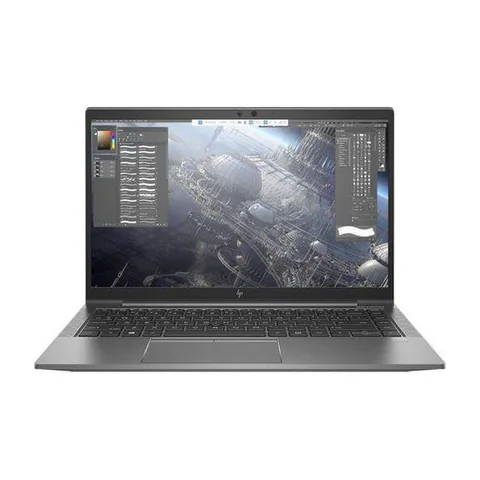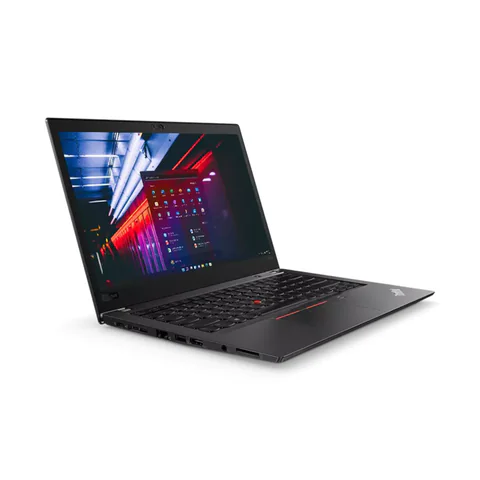
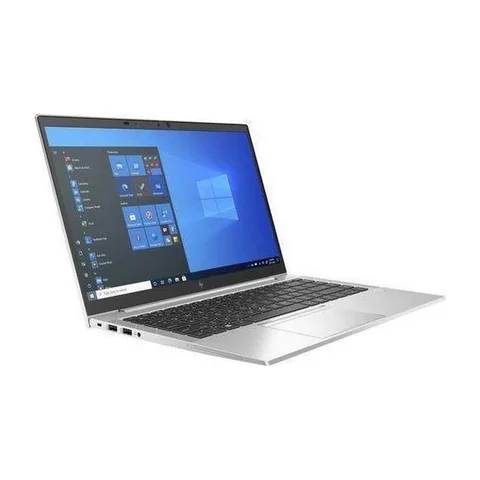
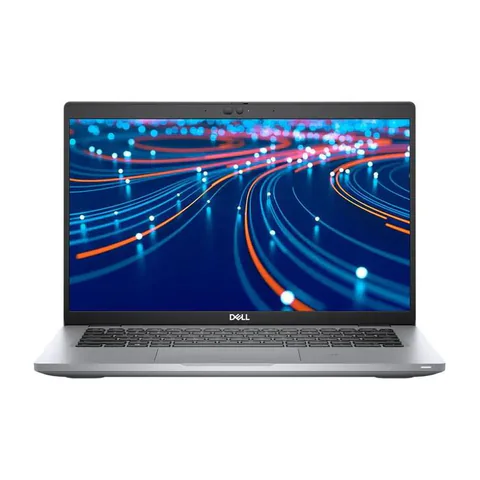
A certified refurbished laptop in Kenya needs more evidence than a label in an advertisement. Ask who performed the refurbishment, what checks they completed and which written terms apply to the actual unit. The current catalog identifies refurbished configurations, but it does not establish an independently verified certification programme for the offers below. Treat “certified”, condition grades and warranty statements as claims to examine.
Start with the hardware you need, then compare the evidence and total price. A carefully inspected used business laptop may suit a buyer, but the model name alone cannot establish battery condition, repair quality or seller support.
Quick comparison: listed configurations and prices
| Model | Advertised configuration | Listed price | Listing shop |
|---|---|---|---|
| Lenovo ThinkPad T480sfrom KSh 22,140 | Intel Core i7 (8th generation); 16GB RAM; 512GB SSD | KSh 29,700 | Onit Computers Nairobi |
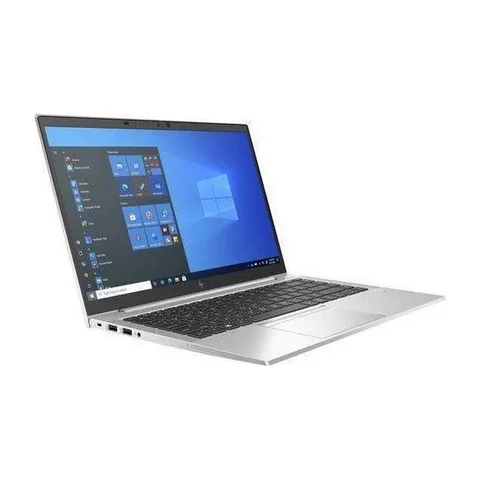
| HP EliteBook 840 G8from KSh 35,100 | Intel Core i5 (11th generation); 16GB RAM; 256GB SSD | KSh 37,800 | Onit Computers Nairobi |
| Dell Latitude 5420from KSh 37,800 | Intel Core i5 (11th generation); 8GB RAM; 256GB SSD | KSh 37,800 | Onit Computers Nairobi |
Prices checked on Laptop Prices Kenya on 20 November 2026. These are advertised configurations, all listed as Ex-UK refurbished. They are not checkout confirmations or a survey of every Kenyan seller. Confirm the exact unit, current total, battery condition and written terms with the named shop.
What “certified refurbished” should help you verify
Ask the seller to identify the organisation behind the certification. Request a description of the testing and whether it applies to the individual serial number. A generic certificate or a product-family brochure may not explain what happened to the unit you will receive.
Also ask which parts were replaced, whether the battery is original or a replacement and what accessories are included. Unknown history is a reason for closer inspection, not proof that a laptop is unusable. The aim is to distinguish documented facts from assumptions.
| Seller statement | Evidence to ask for | What it does not automatically prove |
|---|---|---|
| Certified refurbished | Named programme, testing scope and unit reference | Manufacturer involvement or a new battery |
| Grade A | Written grading definition and actual-unit photographs | Identical standards across shops |
| Warranty included | Written duration, exclusions and claim process | Battery cover, immediate replacement or data recovery |
Compare grades with an inspection
Shops can use different meanings for cosmetic grades. One seller’s top grade may still include keyboard shine or small marks. Another may focus on screen condition. Ask for the definition and inspect the actual unit under normal light.
Check the hinges, casing, keyboard, trackpad and screen. Open light and dark backgrounds to look for visible panel defects. Test each essential port with a known working device. Cosmetic appearance and functional condition are separate questions.
For the shortlisted T480s, EliteBook and Latitude examples, the catalog gives useful configuration information. It does not replace an inspection record. Compare the installed RAM, SSD and full CPU number with the written quote before paying.
Read warranty and return terms as separate promises
Ask what the warranty covers and where a claim must be made. Confirm whether batteries, chargers, screens or accidental damage have different terms. Request the process for reporting a fault, the documents required and the expected handling arrangement.
A return policy answers another question: what happens if the delivered unit is wrong, damaged or unsuitable under the seller’s stated terms? Ask about deadlines, packaging and transport arrangements. Do not assume a warranty automatically provides a change-of-mind return.
Keep the shop name, unit serial number, configuration, accessories and agreed terms on the receipt or attached written record. These buyer questions do not establish a legal entitlement; confirm the transaction terms directly with the seller.
Check the battery and charger
Ask for a current battery report. Microsoft’s powercfg documentation explains the Windows command. Compare reported full-charge and design capacities, then try normal use away from the socket. Neither a percentage nor a brief trial guarantees a fixed number of hours.
Confirm that the charger matches the required specification and works reliably. Ask whether it is included in the advertised price. A replacement battery or charger can change the value of a low-priced offer, so obtain a quote before treating the problem as a minor expense.
Check software and ownership-related restrictions
Ask the seller to demonstrate startup, settings access and the required operating system. Confirm that no unexpected company-management or firmware restriction prevents your intended use. A visible desktop alone is not a complete acceptance test.
Use Microsoft’s Windows requirements where relevant. If paid software is bundled, ask what licence you receive. An installed application is not by itself evidence of a licence that transfers to you.
A practical approval sequence
- Choose a configuration that meets the workload.
- Request the seller’s certification and grading evidence.
- Inspect and test the specific serial-numbered unit.
- Confirm battery, charger and any required upgrade costs.
- Read the written warranty, returns and delivery terms.
- Keep the agreed configuration and seller details with the purchase record.
The full used-laptop checklist covers physical checks. The refurbished-versus-new guide addresses the broader condition choice.
Common questions
Do these offers have verified certification?
The checked catalog does not establish that. Ask the seller for unit-specific evidence before relying on the word “certified”.
Does a higher grade mean a healthier battery?
Not unless the grading definition explicitly includes a battery standard and the unit meets it. Request current evidence separately.
Does Laptop Prices Kenya provide the warranty?
The independent selling shop supplies the transaction terms. Confirm the responsible seller and its process in writing.
Use this certified refurbished laptop checklist in Kenya to compare evidence as well as price. Request a written configuration and condition quote before committing to a particular unit.
Research method and sources
This AI-assisted guide compares published specifications and advertised marketplace offers checked on 20 November 2026. It is not a hands-on review. Individual battery life, exact CPU part numbers and any omitted graphics details remain unverified. Laptop Prices Kenya helps buyers compare independent shops; the selling shop handles the sale and its own warranty terms.

Laptop Prices Kenya compares new, ex-UK and refurbished laptops from shops across Kenya and checks prices against live listings before publishing.
Prices in this article come from live shop listings and change often. Check the shop, the exact unit, its battery and the written warranty before you pay.
Get the right laptop for your budget
Answer two questions and see matching laptops from Kenyan shops, or post one request and let shops send you offers.