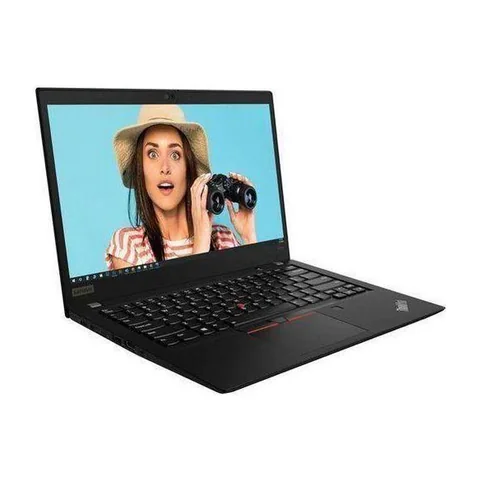
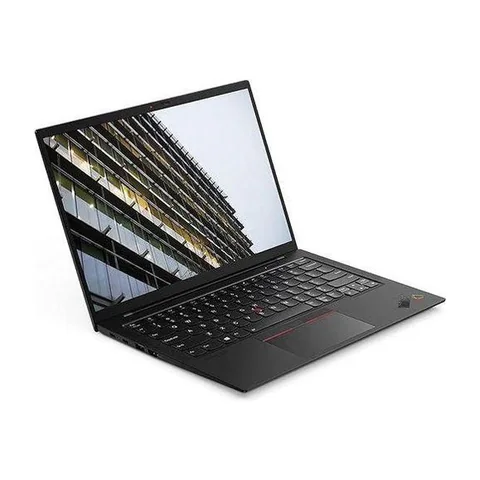
The best laptop for travel and work in Kenya should fit the journey as well as the job. Compare the weight of the full kit, the condition of the battery and the connections you need at your destination. A slim laptop loses some of its appeal if you must carry a heavy charger and several adapters. For refurbished devices, ask for unit-specific evidence instead of relying on the battery life quoted for a new machine.
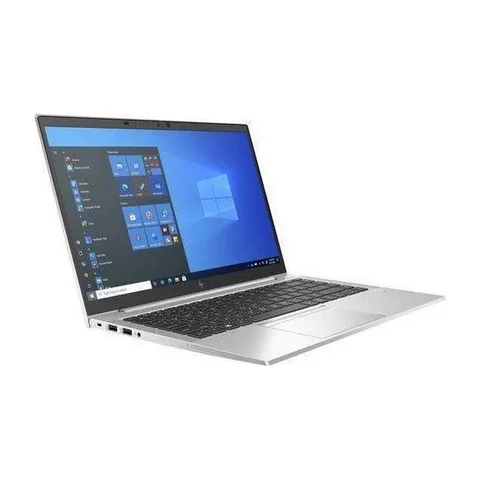
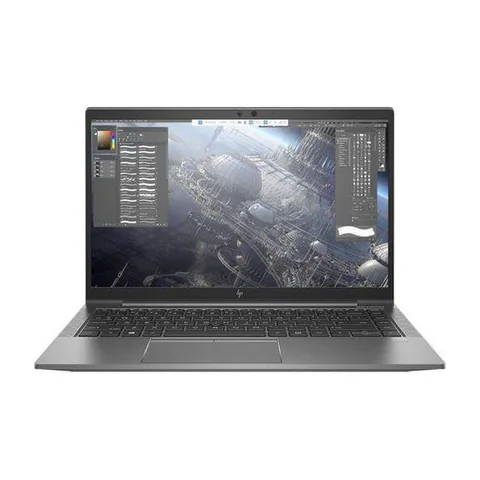
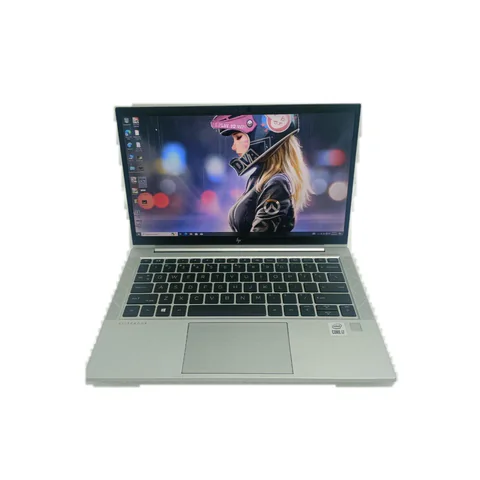
The HP EliteBook 830 G7 is worth investigating if you want a smaller listed screen and a modest configuration. The ThinkPad T490s option adds 16GB RAM and a 512GB SSD. The X1 Carbon listing offers an 11th-generation CPU configuration, but its exact chassis generation still needs confirmation.
Quick comparison: listed configurations and prices
| Model | Advertised configuration | Listed price | Listing shop |
|---|---|---|---|
| HP EliteBook 830 G7from KSh 32,400 | Intel Core i5 (10th generation); 8GB RAM; 256GB SSD | KSh 32,400 | Onit Computers Nairobi |
| Lenovo ThinkPad T490sfrom KSh 22,680 | Intel Core i7 (8th generation); 16GB RAM; 512GB SSD | KSh 31,320 | Onit Computers Nairobi |
| Lenovo ThinkPad X1 Carbon (11th-gen CPU listing)from KSh 37,800 | Intel Core i7 (11th generation); 16GB RAM; 256GB SSD | KSh 51,840 | Onit Computers Nairobi |
Prices checked on Laptop Prices Kenya on 20 November 2026. These are advertised configurations, all listed as Ex-UK refurbished. They are not checkout confirmations or a survey of every Kenyan seller. Confirm the exact unit, current total, battery condition and written terms with the named shop.
Choosing the best laptop for travel and work in Kenya
Start with your usual journey. A laptop carried between meetings needs different checks from one used mainly at a second desk. Write down how long you expect to work away from power, whether you present to clients and what kind of bag you use.
Next, list the equipment that must travel with it. Include the charger, mouse, headset, presentation adapter and any separate internet device. Ask the shop for the actual laptop weight and weigh the complete kit if possible. We do not have verified weight measurements for the specific units in this shortlist.
| Journey | Priority | Evidence to request |
|---|---|---|
| Daily commuting between desks | Comfortable full-kit weight and dependable charging | Actual unit and charger weights |
| Client visits and presentations | Working display output and essential adapters | Demonstration with the intended screen connection |
| Long stretches away from sockets | Battery condition and a realistic runtime test | Battery report plus an unplugged workload trial |
Three portable configurations to investigate
The EliteBook 830 G7 listing describes a 13.3-inch screen, a 10th-generation Core i5, 8GB RAM and a 256GB SSD. It is the smaller-screen option here. That may suit a compact bag, although screen size does not establish the complete weight. Check whether its memory capacity handles your busiest travel workload before deciding.
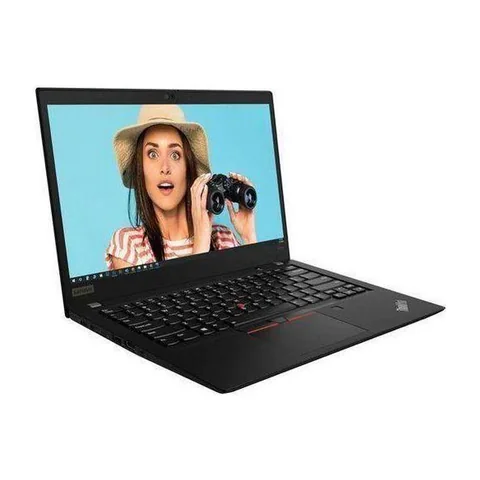
The ThinkPad T490s configuration lists a 14-inch screen, 16GB RAM and a 512GB SSD. The additional memory and storage can be useful when you carry working files and use several apps together. Its older CPU generation and unknown battery wear are the main questions. Confirm touch support and screen condition on the specific unit.
The X1 Carbon offer includes a listed 11th-generation Core i7, 16GB RAM and a 256GB SSD. The catalog explicitly distinguishes CPU generation from chassis generation. Therefore, do not describe this as an X1 Carbon Gen 11. Obtain the machine type or serial details before checking its manufacturer’s specifications.
Read battery evidence without inventing runtime
On Windows, the seller can generate a report using powercfg /batteryreport. Microsoft’s powercfg documentation explains the command. Compare design capacity with full-charge capacity, then ask about any battery warnings or recent replacements.
The capacity ratio is a useful condition clue. For example, 32 watt-hours of full-charge capacity against a 40 watt-hour design capacity equals 80%. It does not mean the laptop will run for 80% of a particular advertised number of hours. Your workload, screen brightness and power settings still affect runtime.
Ask to unplug the machine and perform a realistic task. Use comparable settings when inspecting more than one laptop. A brief test may reveal sudden drops or charging problems, but it cannot prove all-day endurance. The listings do not provide enough evidence to name a battery-life winner.
Check the charger before buying extra travel power
Read the required power specification and inspect the included charger. If you want USB-C charging, confirm the exact laptop supports it and that the charger meets the required power profile. A matching connector alone does not establish compatibility.
The same caution applies to power banks. Do not assume a phone power bank can power a laptop. Get model-specific compatibility information and test the intended combination. If you fly, check your airline’s current battery rules directly before packing additional batteries.
For client presentations, demonstrate the actual display connection. Include the necessary adapter in your quote. A small saving on the laptop can disappear if several essential accessories are missing.
Prepare for work without a dependable connection
Make essential documents available before leaving a reliable network. Check that the application can open the files offline and that you understand how later changes will sync. A browser bookmark is not the same as an offline copy.
Keep a backup in a separate location and follow your employer’s rules for work data. If you use a shared workspace, avoid leaving the device or charger unattended. These practical habits matter regardless of the laptop brand.
Also confirm Windows 11 compatibility for the actual unit if your work requires it. The used-laptop checklist covers hinges, ports and other wear that travel can expose.
Common questions
Is a smaller screen always better for travel?
No. It may fit a smaller bag, but you still need enough working space for your tasks. Compare actual kit weight and try your main application before choosing.
Should I replace a used battery immediately?
Base the decision on its condition, your travel needs and a written replacement quote. Ask what the seller’s warranty covers and whether a compatible replacement is available.
Can I compare these models by advertised new-laptop battery life?
That would not fairly compare these individual refurbished units. Use their current battery evidence and similar workload tests instead.
Choose for the whole journey
The best laptop for travel and work in Kenya should remain useful after you add the charger, adapters and real battery condition to the comparison. Ask shops for a complete travel-kit quote. Start from the business laptop listings if these configurations do not match your needs.
Plan for power outages as well as travel
A charged laptop does not keep a separate router or other equipment powered. List everything the work session needs, then test the intended connection and fallback arrangement. Battery condition and a realistic unplugged task matter more than an unsupported all-day claim. This comparison cannot rank the offers by outage runtime because comparable measurements are absent.
Research method and sources
This AI-assisted guide compares published specifications and advertised marketplace offers checked on 20 November 2026. It is not a hands-on review. Individual battery life, exact CPU part numbers and any omitted graphics details remain unverified. Laptop Prices Kenya helps buyers compare independent shops; the selling shop handles the sale and its own warranty terms.

Laptop Prices Kenya compares new, ex-UK and refurbished laptops from shops across Kenya and checks prices against live listings before publishing.
Prices in this article come from live shop listings and change often. Check the shop, the exact unit, its battery and the written warranty before you pay.
Get the right laptop for your budget
Answer two questions and see matching laptops from Kenyan shops, or post one request and let shops send you offers.